The best voice recorder app for iPhone depends on the job: Voice Memos for free everyday capture, Tape It for quality settings, JottSmart for transcription.
For a wider look at recording tools, see our guide to the best audio recording app for iphone. Android users can read the best voice recorder app for android.
Voice Memos: the free default
Voice Memos is Apple’s own recorder, and it is completely free with no time limits. It does not include AI transcription. That makes it the right starting point for lectures, rehearsals and quick notes where you only need audio.
Recordings can sync through iCloud. With iCloud sync enabled, they appear on an iPad and Mac signed into the same Apple ID. The default export format is .m4a, and the iPhone’s built-in features do not convert directly to MP3. If you need MP3, plan an extra conversion step.
The Enhance Recording option cuts down on echo and background noise, which helps in a roomy or busy space. On iOS 18.5 the phone also has built-in speech-to-text tools. The Notes app’s Record Audio feature transcribes your speech while saving the recording, so you can get a basic transcript without installing anything.

Who it suits: anyone who wants a free recorder with no length cap. Where it falls short: you get no transcript inside Voice Memos itself, and the quality controls are limited compared with the apps below.
Tape It: best for recording quality
Tape It is built for people who care how a recording sounds. According to its developer, it records at 44.1kHz in AAC (highest quality settings) or Apple Lossless at 32bit depth. That gives you a choice between a smaller lossy file and a lossless one.
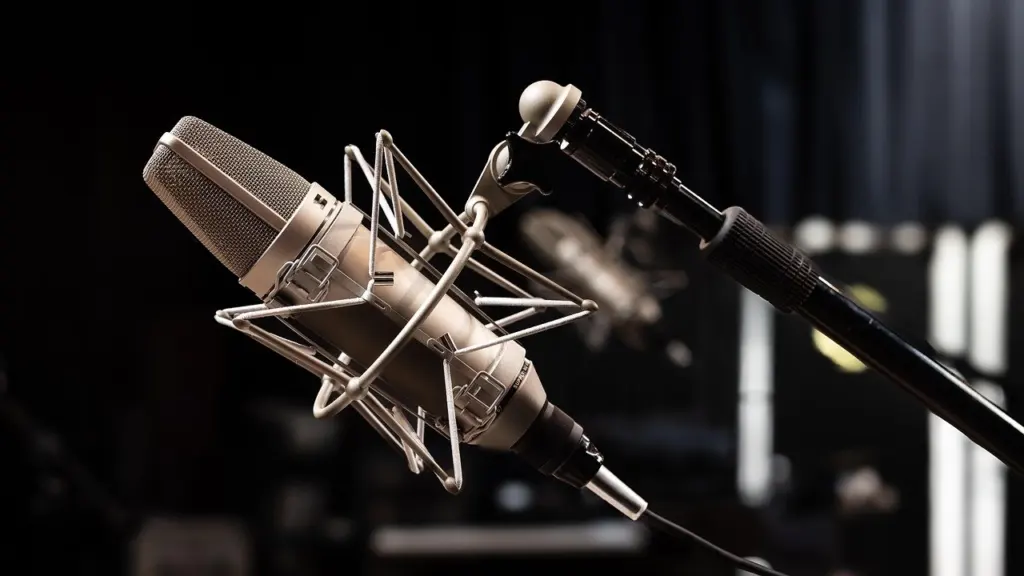
The app is free with an optional Pro upgrade, sold as a monthly or annual subscription or a one-time lifetime purchase. The difference matters. The developer says the free app sounds like Voice Memos, while Pro has the high-fidelity stereo microphone sound. Try the free version first, then judge whether Pro’s stereo sound is worth paying for.
Tape It also supports external audio interfaces, including channel selection for multichannel interfaces. It switches automatically to a plugged-in mic or interface. For sync, it uses its own EU-hosted cloud with free storage instead of iCloud, because the developer wants to support sharing to Android and Windows in future. Sign-in is with Apple only.
Who it suits: musicians, interviewers and anyone who wants format control. Limitation: your library lives in Tape It’s cloud rather than iCloud.
AAC or Apple Lossless: what the settings mean
AAC is a lossy format, so it keeps files smaller at the cost of some audio data. Apple Lossless keeps the full recording. The developer of Tape It notes that Apple’s lossless encoder ignores the bit depth flag right now and always stores in 32bit. The same post says bit-depth discussion does not matter when you store audio as AAC.
In practice, choose AAC for long speech recordings where file size matters. Choose Apple Lossless when you plan to edit, clean up or archive the audio. Treat the 32-bit figure as a description of how that encoder behaves at the time of the post, not as a setting you can tune.
JottSmart: best for transcription
JottSmart pairs a recorder with transcription, so it fits meetings, interviews and dictated notes you want as text. You can let it auto-detect the language or choose from 57 listed languages when you know the spoken language in advance. Picking the language yourself is the safer choice when the audio is short or noisy.

Recording is unlimited on all plans. Transcription uses AI minutes, which cover the time it takes to process audio rather than the length of the recording. Notes and history can sync through iCloud when it is available. Check how many AI minutes your plan includes in the App Store listing before you commit to long transcripts.
Tinrec: transcription with a monthly free allowance
Tinrec is a transcription-focused recorder. Its free tier is 100 mins free/month, with Pro at $8.25/month. It automatically recognises 10 languages, including Chinese and Japanese. That makes it a reasonable pick for occasional transcription in those languages.
Compare it with JottSmart on language choice. JottSmart lists more languages to choose from, while Tinrec leans on automatic recognition. The free allowance is a monthly cap, so heavy users will reach it and need the paid plan.
AudioShare: external microphones and file handling
AudioShare is a powerful file manager and recorder supporting external microphones. It is a one-time purchase, which suits people who dislike subscriptions and want to move audio files between apps.
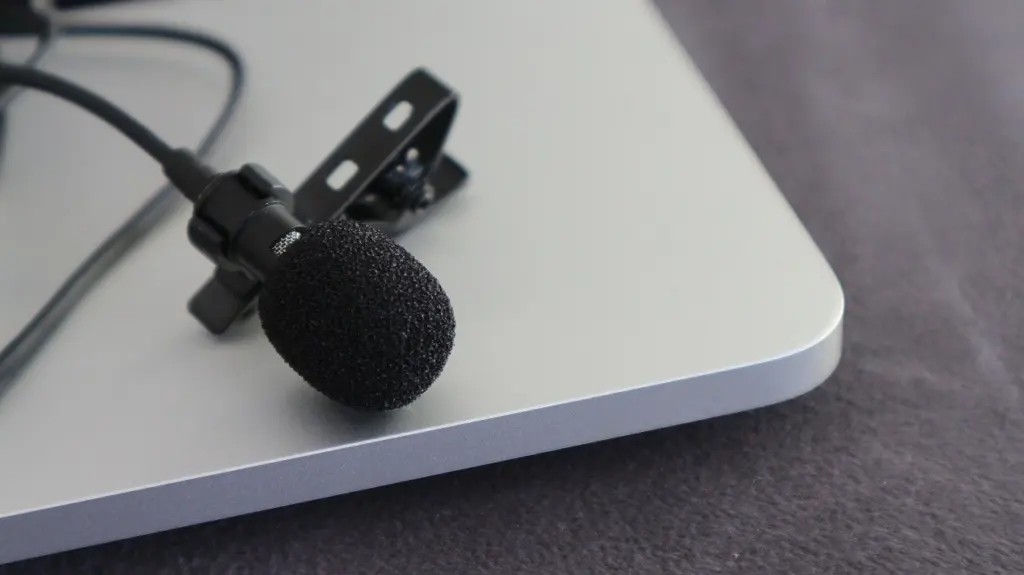
An external microphone is the single biggest quality upgrade for spoken audio. A clip-on lavalier mic keeps the capsule near your mouth. It works with both AudioShare and Tape It. If you only have earbuds with you, see how to record audio with airpods.
Plaud NotePin: a hardware alternative
Plaud NotePin is a hardware recorder with a companion app, so it is a different purchase from the iPhone-only apps above. Plaud says it supports 112 languages for transcripts. The Starter Plan provides 300 free minutes/month, and Pro provides 1,200 minutes/year.
It suits people who record many meetings and want a separate device. If you only need an occasional transcript, an app is cheaper and simpler.
Prices and free tiers compared
| App | Cost | Standout feature | Planning use |
|---|---|---|---|
| Voice Memos | Free, no time limits | No AI transcription | Daily audio capture at no cost |
| Tape It | Free, with optional Pro (monthly, annual or lifetime) | AAC or Apple Lossless recording | Test free, upgrade only if you need stereo sound |
| Tinrec | 100 mins free/month; Pro $8.25/month | Automatic recognition of 10 languages | Light transcription needs |
| AudioShare | $2.99 one-time | External microphone support | A mic-based setup without a subscription |
Prices and allowances come from Tinrec’s roundup and Tape It’s developer announcement, so confirm current App Store pricing before you buy.
How to choose
- Start free. Use Voice Memos if you need plain audio, no time limit and iCloud sync.
- Pick for sound. Choose Tape It if recording quality matters, and decide whether the free version is enough or you want Pro.
- Pick for text. Choose JottSmart or Tinrec when you need transcripts, and check that your language is covered.
- Add a microphone. Use an external mic with Tape It or AudioShare for interviews and noisy rooms.
- Check storage. Lossless files are larger than AAC, so match the format to how long you will record.
Frequently asked questions
Which apps record in WAV?
Tape It documents AAC and Apple Lossless rather than WAV. If you specifically need WAV, check an app’s format list in the App Store before paying. High-quality WAV files take up a lot of space, so confirm you have the storage.
Can I export Voice Memos as MP3?
Not directly. Recordings export as .m4a by default, and the iPhone’s built-in features do not convert to MP3, so you would need a separate converter.
Are there free iPhone voice recorders without time limits?
Voice Memos is free with no time limits. JottSmart also leaves recording unlimited, but its transcription draws on AI minutes.
Can I open Tape It recordings on a computer?
At the time of the developer’s reply, Tape It supported only Sign in with Apple and had no web interface. The developer said its own cloud is meant to support sharing to Android and Windows in the future, so check the current listing before relying on desktop access.