
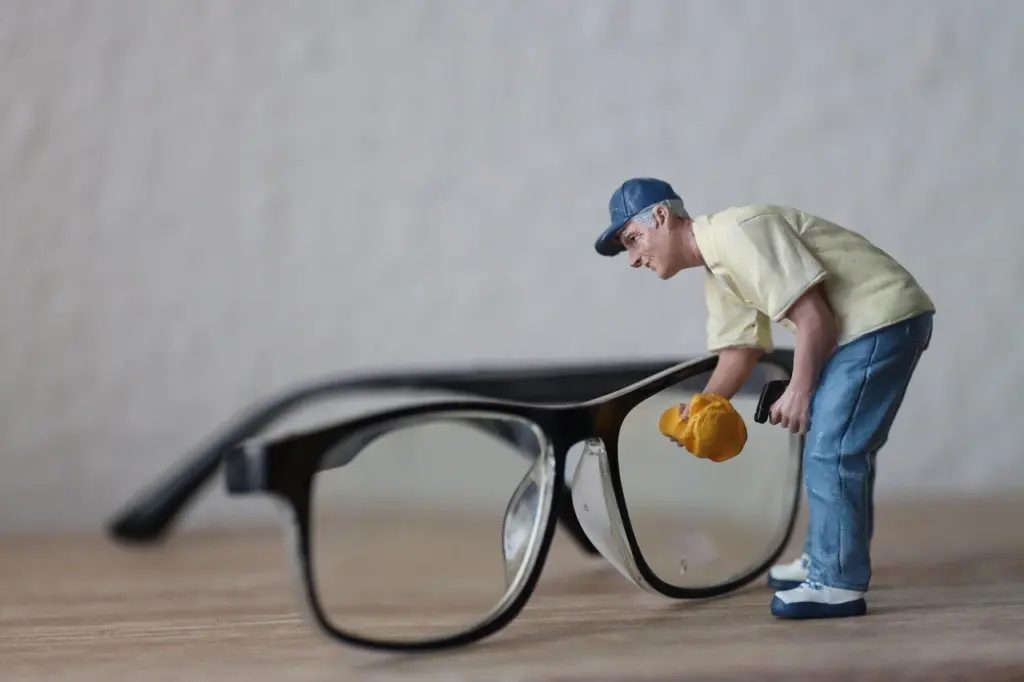
A hazy, soft-looking photo usually points to a dirty lens, and it helps to know how to clean phone camera lens glass before you reach for a shirt hem or a tissue.
Quick answer: blow off loose grit, then wipe the glass gently with a clean, dry, lint-free microfiber cloth. Use a lens-specific wipe only for stubborn marks, and never apply liquid directly to the lens. Fog is moisture and wipes away dry. Heavy dust inside the module is a job for the phone maker’s repair service, not for home cleaning.
This guide is part of our phone photography series. For the wider picture on composition, light and handling, read how to take better photos with your phone.
Supplies that are safe for a camera lens
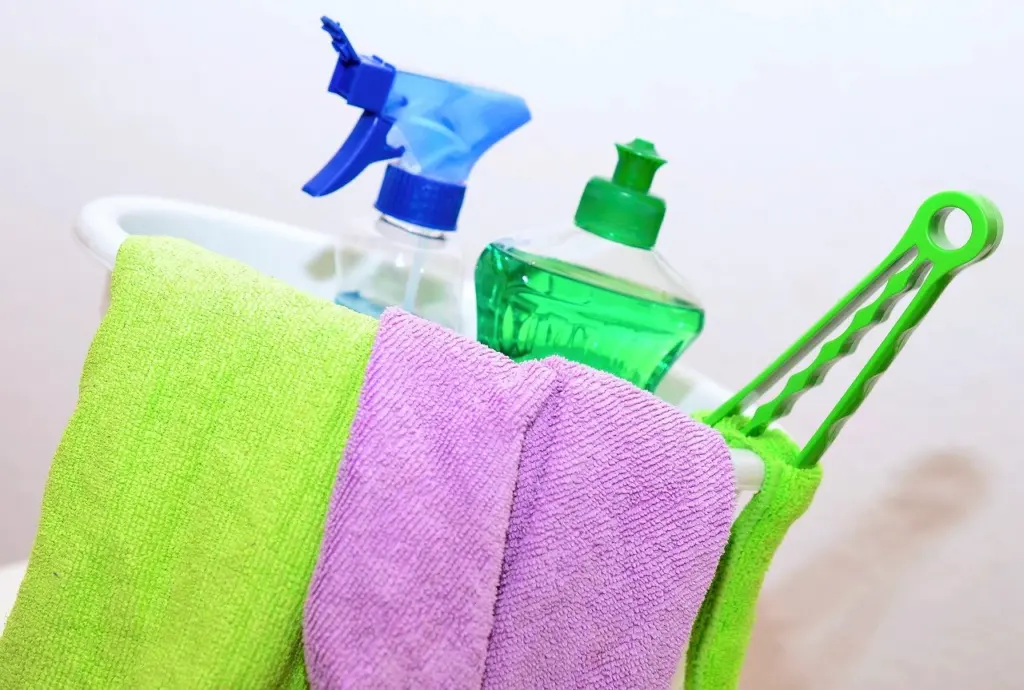
Lens maker Tamron advises a lint-free lens cleaning cloth or optical cleaning tissues made for camera lenses. A clean microfiber cloth fits that description. A phone-accessory care guide also names a dry microfiber cloth as the best choice for a phone’s camera lens. So the answer to the best-cloth question is simple: a clean, dry, lint-free microfiber cloth that you keep for glass only.
- Hand blower: a squeeze-bulb blower lifts loose dust before anything touches the glass.
- Microfiber cloth: the everyday tool for smudges and fingerprints.
- Lens cleaning wipes: a step up for marks the dry cloth cannot lift. Choose wipes made for camera lenses.
- Lens-specific cleaner: useful only when applied to a wipe or cloth, never to the lens itself.
Smudges and loose dust: the simplest fix
Most hazy photos come from fingerprints and a light film on the glass, so start with the gentlest method and move up only if it fails. Work in this order.
- Hold a blower a few inches from the lens and gently squeeze to remove loose dust.
- Take a clean, dry microfiber cloth that has not been used on anything greasy or gritty.
- Wipe the lens in a circular motion, starting from the center and moving outward.
- Use light pressure only. Do not scrub.
- Go carefully around the edge of the lens, where smears gather, again without pressing.
- Take a test shot of a plain, bright surface and look for remaining marks or streaks.
Blowing first matters because a cloth dragged over grit can scratch. Tamron’s guidance puts the blower before any wiping, and the circular, center-outward motion keeps the pass consistent.
Why compressed air is the wrong blower
A canister of compressed air seems like the obvious shortcut, but Tamron warns that compressed air can push dust into the lens or add moisture. A hand-squeezed blower avoids both problems and costs little.
Stubborn marks: wipes, cleaners and what to avoid
If the dry cloth only moves the smear around, step up to a lens cleaning wipe or a cleaner formulated for camera lenses. Tamron’s advice is to use cleaners specially formulated for camera lenses and to apply the fluid to the wipe or cloth. Fluid applied directly to the lens may seep into the lens barrel. On a phone, the same logic applies around the edges of the camera module.
Can I use alcohol or screen cleaner?
Not as a first choice. Tamron says other household cleaners may contain chemicals that can damage lens coatings, and a phone-accessory guide warns that harsh alcohol and chemicals can harm either the glass screen or the camera lens. That covers isopropyl alcohol and general-purpose sprays alike. A screen cleaner is made with a screen in mind, not a coated camera lens. If your phone maker’s own care page names a specific cleaner, follow that over any generic advice. Otherwise, stay with lens-specific wipes and cleaners.
Fog on the lens
Fog is condensation: a film of moisture on the glass rather than dirt. That changes the fix. You are removing water, not grease, so the right tool is a dry microfiber cloth, which the accessory guide recommends for camera lenses. Adding liquid on top of existing moisture only makes the job harder.
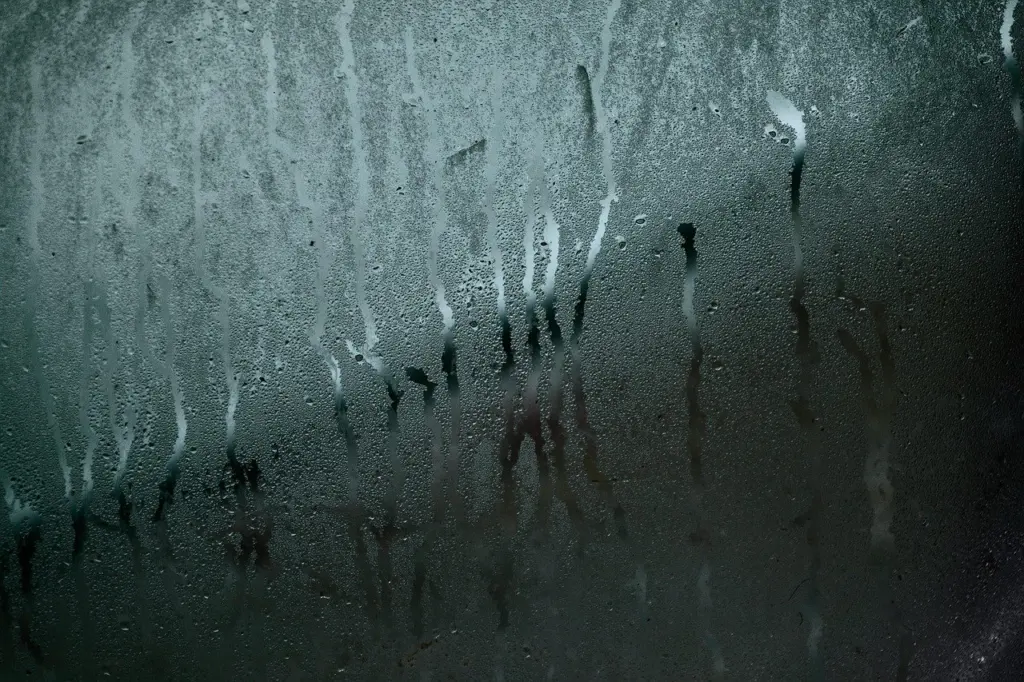
Wipe gently, then check a test shot. If the fog clears, nothing more is needed. If it sits behind the glass instead of on the surface, wiping cannot reach it. At that point stop and take the phone to the maker’s repair service rather than experimenting with liquids or tools.
Dust inside the camera module
Dust you can see under the glass cannot be wiped off, because the cloth only reaches the outer surface. The first question is whether it matters. Tamron says dust on the inside of a camera lens is normal and won’t affect the image unless the dust is extreme. A few specks are therefore not a reason to act. Check a test shot of a plain bright surface: if specks show up in the picture, the dust has stopped being cosmetic.
When to go to a repair service
For significant dirt or damage, Tamron’s advice is to contact the manufacturer for a professional cleaning and inspection of its lenses. The phone equivalent is the phone maker’s own repair service or an authorized repair provider. Go there if heavy dust or a residue under the glass appears in your photos, or if the lens looks damaged. Resist the urge to open the phone, blow compressed air at the module or push a tool into the gap around it. Each of those can add moisture or drive dust deeper.
Checkpoints: home fix or repair service
Use this table to decide quickly how far up the ladder to go.
| Problem | Home fix | Planning use |
|---|---|---|
| Fingerprints and smears | Blower, then a dry microfiber cloth in circles from center outward | Start here every time, with light pressure only |
| Loose dust or grit | Hand blower held a few inches away | Do this before any wiping; skip compressed air |
| Stubborn film | Lens-specific wipe or cleaner, applied to the wipe or cloth | Avoid household cleaners and direct application to the lens |
| Fog or condensation | Gentle wipe with a dry cloth | If the fog stays or sits behind the glass, use the repair service |
| Dust inside the module | Leave it; it is normal unless extreme | Extreme dust in photos or visible damage means manufacturer service |
These steps draw on guidance from lens maker Tamron and a phone-accessory care guide.
Fitting lens care into your shooting routine
A quick wipe is most useful just before you shoot, especially when the phone has been handled a lot. If you are about to photograph a meal, the food photography tips with phone guide covers lighting and angles, and a clean lens makes those techniques show. If you mount your phone for steadier shots, check the glass before you lock the frame. Our guide to the best tripod for phone photography covers mounts and stabilizers.
Frequently asked questions
How often should I clean my lens?
One phone-accessory guide suggests cleaning the phone and camera lens every week to stop dirt and dust building up. A quick dry wipe is enough most weeks. Do the fuller routine only when photos look hazy.
Why do my photos still look smeared after wiping?
The cleaning product may be the cause. Wet wipes that contain softeners can leave a smeared lens, and tap water causes streaking on the glass. Switch to a dry microfiber cloth or a dedicated lens wipe.
Can I use a paper towel or tissue in a hurry?
No. Tamron warns that bathroom tissue, paper towels and rough fabrics risk scratching the lens. A clean microfiber cloth is the safer habit, even for a fast wipe.