
| Situation | What to set up | Planning use |
|---|---|---|
| Posed portrait outdoors | Open shade, with light reaching the face from the front, away from high midday sun | Choose the spot before you ask anyone to pose. |
| Selfie | A high or low camera angle, plus Selfie mode on a Samsung Galaxy phone for background blur | Take a few angles and keep the one you like. |
| Indoors or evening | Light on the face from the front; avoid strong artificial light behind the subject | Turn the person towards the light, not the light behind them. |
| Busy location | An uncluttered, low-contrast backdrop darker than the face, with space between subject and backdrop | Move the person, not just the phone. |
| Candid moment | Enough distance for the camera to focus; a telephoto lens, such as the 3x one Samsung cites | Stay back so people keep behaving naturally. |
Setup guidance follows Samsung’s smartphone photography tips and Digital Photography School’s natural-light portrait advice.
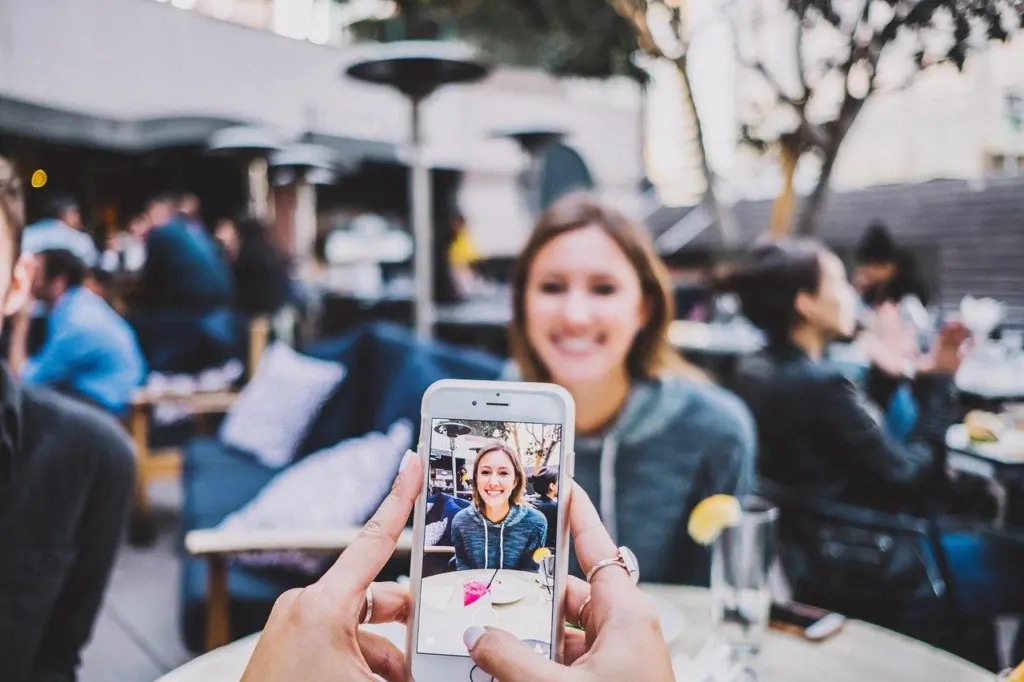
Here is how to take good portraits with phone cameras: place the subject in soft light from the front, tap the face to focus, and choose an uncluttered background. Camera height and framing then shape the result.
This checklist is organised by the situation you are in. If you want the wider skills behind it, start with how to take better photos with your phone.
Posed portraits outdoors
When you can choose the spot and the person is happy to pose, light matters more than anything else on the phone. Settle the light first, then the height of the camera, then the frame.
Soft, natural light
The best light for phone portraits is soft and falls on the face from the front. Samsung advises positioning subjects so they are well-lit from the front, and Digital Photography School recommends open shade: an area that is shaded, but not too shaded. The same source advises avoiding bright, clear days when the sun is high in the sky.
In practice, that means walking the person a few steps out of direct sun, to the edge of a shaded spot where the face is still bright. Heavy darkness under a dense canopy is the opposite problem.
Catchlights in the eyes
A catchlight is a small spot of light that appears in the subject’s eye, as Digital Photography School describes it. To get one, include a bright light roughly in front of the subject. If the eyes look flat in your preview, turn the person a little towards the brightest part of the sky or room and look again.
Camera height and angle
Camera height changes how a face reads, so treat it as a choice rather than a default. Samsung notes that high angle photos can create bird’s-eye views of the subject, and it suggests getting down low and looking up for dramatic shots. Both are effects. For a natural result, start with the phone at face height and move up or down only when you want that deliberate look.
Take the same pose from a high, middle and low position and compare them on the screen. That comparison tells you more about a particular face than any rule.
Framing with the rule of thirds
The rule of thirds splits the image into nine equal blocks in a three-by-three grid. Switch the grid on in your camera settings and place the eyes near the upper lines rather than in the middle. Media Training Ltd also suggests you move your subject away from the centre, which leaves room for the person to look into the frame.
Selfies and self portraits
With a selfie the camera is in your hand, so your arm sets the angle. That makes it easy to try several positions in seconds.
The best angle for a selfie
No single angle suits every face. The supported choices are high and low: Samsung says a high angle gives a bird’s-eye view of the subject, while getting down low and looking up is more dramatic. Try both, plus a straight-on shot, and keep whichever looks most natural for you. Hold the phone steady and let the light fall on your face, not behind your head.
Selfie mode and background blur
On Samsung Galaxy phones, Samsung describes Selfie mode as designed for self portraits that blur the background. It is a good choice when the space behind you is untidy and you cannot move. If the backdrop is already plain, you gain little from the effect.
Indoors and low light
Indoors, you control less, so the job is to put the person where the light is best and let the phone’s exposure settle on their face.
Face the light
Samsung advises avoiding strong artificial light from behind the subject, because the face then falls into shadow. Popular Science makes a related point for dim places: ask friends to stand closer to the glow of artificial lights, so you do not have to resort to your phone’s built-in flash. Move the person, not the lamp, whenever you can.
Tap to focus and set exposure
Both major phone platforms let you set focus and brightness on the face with a touch. According to Popular Science, on iPhone you tap once to focus, then hold and drag to adjust the exposure. On stock Android you tap once for focus, then adjust exposure with the slider that pops up.
- Tap the eyes, not the background. The focus box should sit on the face, so the sharpest part of the picture is the part people look at first.
- Adjust after tapping. If the face still looks dark against a bright window or lamp, nudge exposure up before you shoot rather than fixing it later.
- Re-tap when anyone moves. A tap applies to that spot and moment, so repeat it after the person changes position.
Candid portraits
Candid portraits depend on people forgetting the phone is there. No camera setting guarantees that, so the practical goal is to be less noticeable and to catch more frames.
Keep your distance and shoot in bursts
Stand back, keep the phone up, and take many frames rather than waiting for one perfect press. Popular Science notes that most phones come with a burst mode for this purpose, which you reach by holding the shutter button in Photo mode. Bursts suit laughter and quick reactions, where the best expression lasts a fraction of a second.
If your phone has a telephoto lens, it lets you stay further away without cropping the picture yourself. Samsung cites a telephoto lens on a Galaxy model as an example.
Frame the moment, not the pose
Because candid subjects move, compose loosely and leave space around them. Use the same rule-of-thirds grid described above, then crop later if you need a tighter result. Look for a plain wall or a calm patch of background, so the person stands out even when you had no time to arrange anything.
Backgrounds that support the subject
A background should help the viewer find the face quickly. When it competes, move the person before you reach for any software effect.
What makes a good backdrop
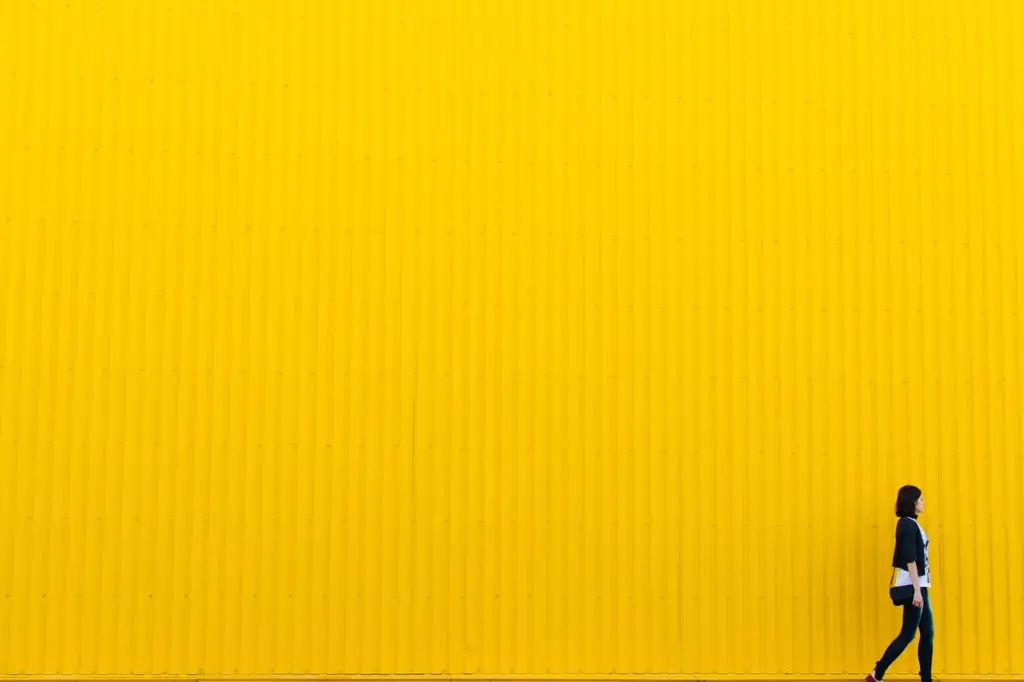
Digital Photography School advises looking for areas that are uncluttered, low in contrast, and darker than the subject’s face. Samsung suggests a plain light-coloured background such as a white wall for passport-style photos. Check the edges of the frame before you shoot: poles, signs and bright patches often sit just behind a head.
Separate the subject from the backdrop
Distance between the person and the backdrop increases background blur, often called bokeh. Digital Photography School advises keeping plenty of space between your subject and the backdrop, and notes that a wide aperture with a longer lens, such as 85mm, also helps. Phones have fixed apertures, so on a phone the practical levers are the gap behind the subject and a telephoto lens where you have one.

When to use Portrait mode, and when to turn it off
Portrait mode is for when the background is busy and you cannot change it. Popular Science describes it as giving an instant depth-of-field effect: on iPhone, you swipe across to Portrait mode and the background is blurred. Our guide on how to use portrait mode on phone covers the controls in more detail.

Turn it off, or simply do not bother, when the background is already plain or when you want the setting to be part of the story. A blur you do not need adds nothing, and it hides the place where the person is standing.
Frequently asked questions
| Question | Answer |
|---|---|
| Should I use my phone’s flash for portraits? | Natural or existing light is the better starting point. Popular Science advises that good light means you do not have to resort to the phone’s built-in flash, so move the person towards a brighter spot first. |
| Why won’t my phone focus when I get very close? | Samsung says that if you are too close to your subject, the camera will not be able to focus. Step back a little, or see how to take macro photos with phone for close-up work. |
| Is it better to zoom or to walk closer? | Media Training Ltd says it is better to get closer to your subject, because it gives you more control over the lighting, and that zooming lowers image quality. Use a dedicated telephoto lens where your phone has one. |