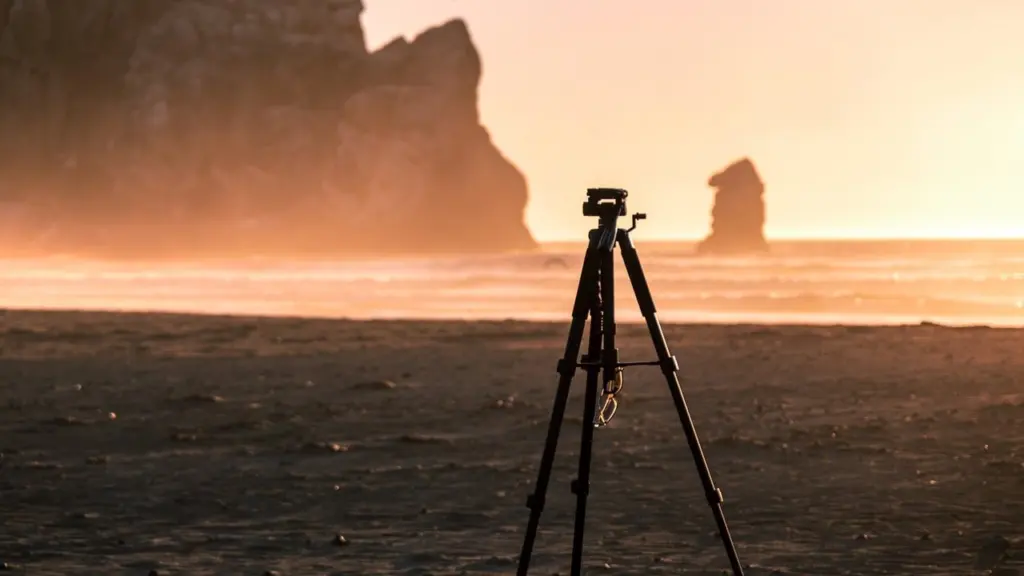
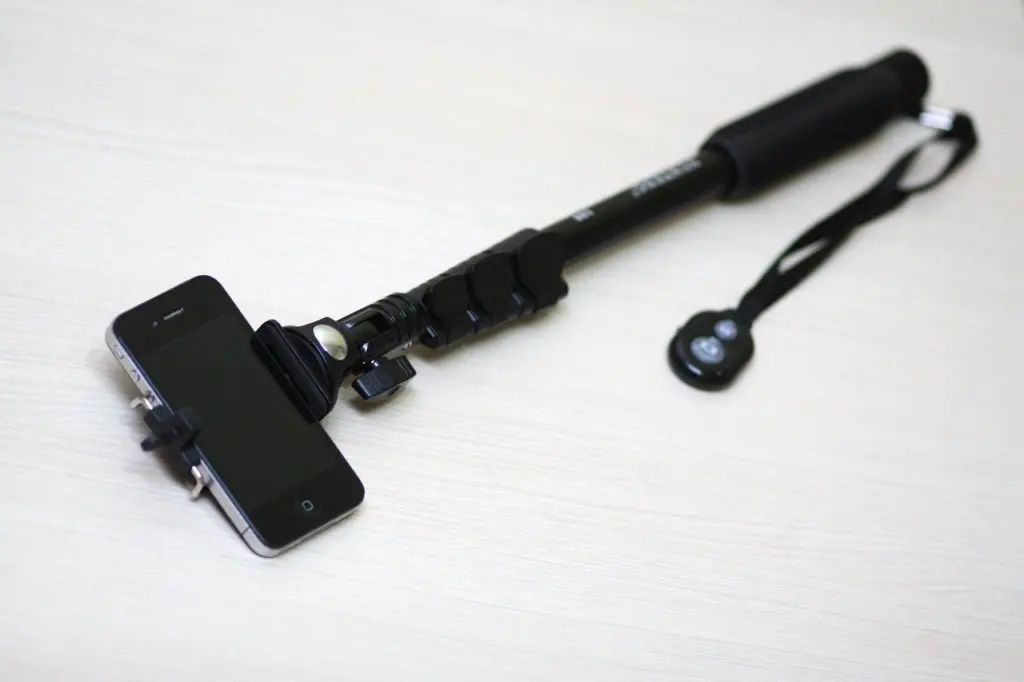
The best tripod for phone photography is a sturdy extendable model with a spring-style phone clamp and a Bluetooth remote. Add a gimbal only if you mostly film moving video.
Picture a dusk shot from a railing, or a walking clip through a market: the right support depends on the situation. This shortlist matches options to travel, low light and video, and it builds on our guide to how to take better photos with your phone.
Shortlist at a glance
| Option | Best situation | Listed spec | Planning use |
|---|---|---|---|
| 71-inch extendable tripod with wireless remote | General shooting, sunsets, higher viewpoints | 71 in extended height; $15.99 to $19.97 across retailer listings | The default starting point when you want the remote included. |
| Bower Multi-Pod Max, extendable tripod | Shooters who want a universal holder in the box | 67 in maximum height; $29.92; universal phone holder and wireless remote | Costs more and reaches less than the 71-inch listings, so choose it for the holder, not the height. |
| 50-inch aluminum phone tripod | Tabletop and chest-height shots on a budget | 50 in height; $14.99 to $16.99; holder marketed for all phones | The cheapest listing here, with the shortest reach. |
| K&F travel tripod | Travel and carry-light days | About 1 kg (2.2 lb); folds to 35 cm (13.8 in) | Pair it with a phone clamp when pack size matters most. |
Heights and prices come from retailer listings in a phone tripod category page, and the travel tripod’s weight and folded length from K&F Concept’s tripod buying guide. Prices change, so check the current listing.
Everyday pick: an extendable tripod with a remote
For most people, a long extendable tripod with a bundled wireless remote covers sunsets, group shots and tabletop scenes. Listings for 71-inch phone tripods at a major retailer include a remote, and prices run from $15.99 to $19.97 after discounts. The Frsara listing states compatibility with both iPhone and Android.
This type suits beginners who want one inexpensive kit and expect to shoot from standing height. Its limit is the same as its appeal: extra length and a low price usually mean thin, many-sectioned legs. Treat the headline height as a ceiling, not a working setting, and read the height section below before you buy.
The Bower Multi-Pod Max listing is a different trade. It tops out at 67 in rather than 71 in and costs $29.92, but it comes with a universal phone holder and a wireless remote. Choose it if the holder grips your phone and case better than the clamps on cheaper kits; otherwise the longer listings give more reach for less money.
Travel pick: compact, light and quick to pack
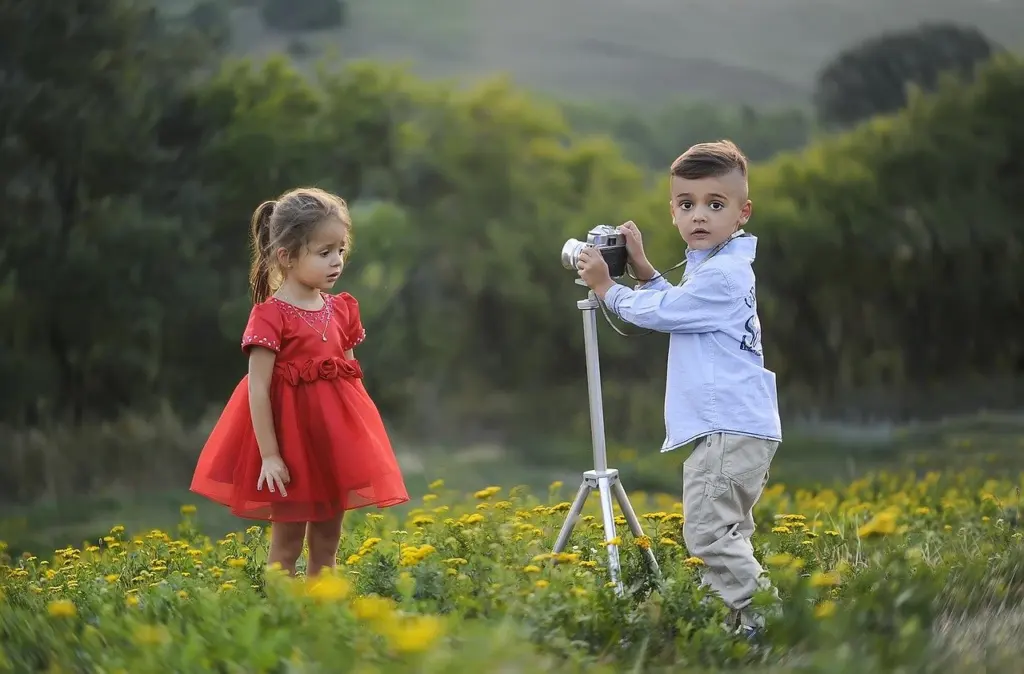
A travel tripod is judged by folded length and carried weight, not maximum height. K&F Concept describes a travel model that weighs about 1 kg (2.2 lb) and folds to 35 cm (13.8 in), small enough to slip into a daypack. It is a camera-style tripod, so add a phone clamp to use it with a phone.
Material is the other travel decision. TourBox’s tripod guide notes that carbon fiber tripods are much lighter than most aluminum ones yet still stable, at a higher price. If you walk long distances with your gear, the saving in weight can justify the cost. If you mostly drive between spots, an aluminum model such as the 50-inch listing at $14.99 to $16.99 on the retailer’s page does the job for less.
Low light and long exposure
Low light is where a tripod earns its place. Expert Photography calls smartphone tripods one of the best photography accessories because the extra stability allows long-exposure and time-lapse shooting. K&F Concept adds that long exposures reveal vibrations that may disappear in a fast exposure, so a wobbly tripod shows its weakness exactly when you need it.
That is why the tripod and the way you trigger it matter together. Touching the screen to fire the shutter can add shake of its own. Breathing Color’s buying guide makes the point for cable releases: without one, you add vibration when using a tripod rather than reducing it. A wireless remote does the same job for a phone.
Once the phone is locked off, think about the file you are capturing. Our comparison of heic vs jpeg iphone shows what you gain or give up when you plan to edit night and long-exposure frames.
Phone mounts and attaching your phone securely
A phone mount is the spring clamp or holder that connects the phone to the tripod head, and it is the part most likely to let you down. Listings advertise a holder “to fit all phones” or a “universal” holder, but those are sales claims. Check the clamp’s stated opening against your phone’s width with its case on, and prefer a clamp whose jaws close firmly without the phone sliding when nudged.
Centre the phone between the jaws so its weight sits over the tripod’s mounting screw, then tighten the clamp and give the phone a gentle push before you let go. If you plan to rotate for portrait and landscape shots, confirm the holder allows it before you rely on it.
Using a Bluetooth remote shutter
A Bluetooth remote shutter lets you take the photo without touching the phone, which keeps the frame steady and lets you step into group shots. To set one up, switch the remote on, pair it from the phone’s Bluetooth settings, then open the camera app and press the remote’s button to fire the shutter.
Most remotes are tiny, so attach the strap or keep them in the same pocket as the phone clamp. If a remote stops responding, re-pair it before assuming the tripod is at fault.
Gimbals and stabilizers
Handheld gimbal for walking video
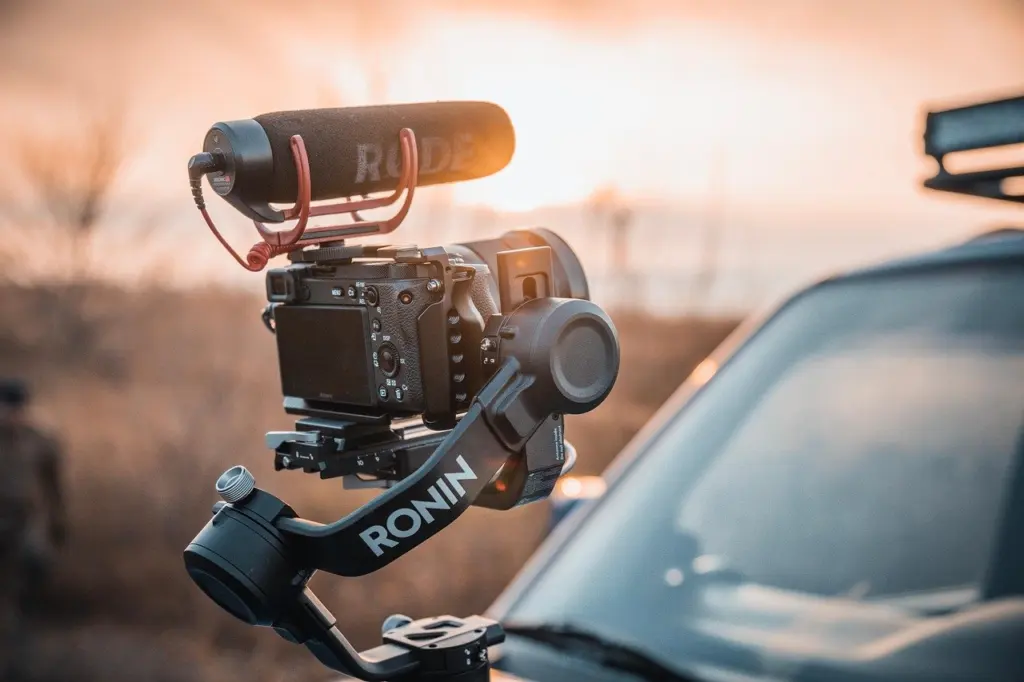
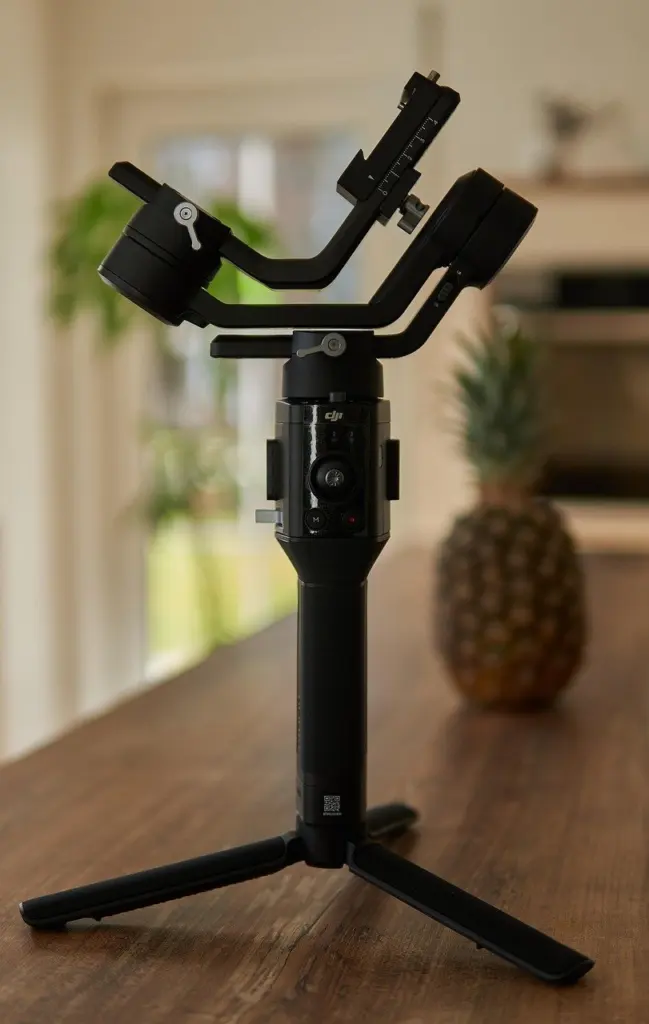
A gimbal is a handheld stabilizer that smooths movement as you walk or pan. Expert Photography describes gimbals as a useful stabilization device, especially if you shoot video with your smartphone. They suit travel clips, events and vlogs. Their limit is that they are built for moving shots, while the same source ties tripods to long-exposure and time-lapse work.
Gimbal or tripod: which do you need?
A tripod is enough for stills, long exposures and time-lapse. Add a gimbal only when much of your shooting is video in motion. Phones also build stabilization in: the iPhone 14 Pro Max, for example, pairs a 48 MP main sensor with sensor-shift image stabilization. That kind of optical image stabilization sits inside the camera, whereas a gimbal or tripod is an external support you choose for the shot.
Clip-on lenses and other add-ons
A clip-on lens is a small glass attachment that grips over the phone’s camera, and it is worth buying only for a specific look. The APEXEL macro lens reviewed by Expert Photography has a simple clip-on design and offers 12.5x magnification for close-up detail at a modest price. If you shoot flowers, textures or small objects, that is a clear gain. If you mostly shoot landscapes and people, skip it.
Close-up work also changes what you need from a tripod. K&F Concept notes that for low-angle and macro work, minimum height may matter more than maximum height, so check how low the legs spread before you buy.
Because a clip-on sits over the phone’s own lens, smudges on either surface will show in the picture. Keep both clean, and see our guide on how to clean phone camera lens for the phone side.
Height, load and legs: what to look for
Aim for a tripod that is tall enough for your working height, rated well above your loaded phone rig and stiff in the legs. These specifications decide how steady the setup is.
- Height. TourBox suggests a maximum height at least 20-30 cm shorter than your own height, since the phone sits at eye level only after the head is added. Breathing Color says an average contemporary tripod’s legs extend 50-63 in (126-160 cm), and that buying taller than you normally use helps sharpness, because fully extended legs and centre column often reduce it.
- Load. TourBox says the maximum load capacity should be at least more than the weight of your heaviest gear. K&F Concept advises adding the complete mounted load, including a monitor or microphone, and notes that the lower-rated of leg and head becomes the practical limit. Its carbon tripod is listed at 16 kg / 35.3 lb with a 36 mm metal ball head, far more than a phone needs.
- Leg sections and thickness. TourBox recommends 3 or 4 leg sections and no more than 5, with leg diameter ideally not below 20 mm and 25 mm or more better.
- Centre column. K&F Concept says raising the column can help with small framing adjustments, so use it for fine tuning rather than for gaining height.
Decision checklist
- Name your main situation: travel, low light or video.
- Set a height that suits how you shoot, then compare it with the maximum on the listing.
- Check the mount fits your phone in its case and that the tripod’s ratings cover the whole loaded rig.
- Confirm a remote is included, or budget for one.
- Add a gimbal or clip-on lens only after the support is settled.
Frequently asked questions
Is a cheap tripod better than shooting handheld?
Not always. Breathing Color warns that good tripods cost money and that it can be better to handhold than to rely on a low-quality tripod. If a budget model wobbles or sags, shoot handheld.
How can I make a light tripod steadier outdoors?
Use the hook, where the tripod has one, to hang a sandbag or a camera bag for added stability, as Breathing Color describes.
Do tripod remotes work with both iPhone and Android?
Some do. The Frsara listing states iPhone and Android compatibility, so confirm the same on any remote before you buy.
Do clip-on lenses fit the front camera?
Some do. Expert Photography says the APEXEL lens works with both front and rear cameras on any smartphone.